Creator video editor

BlinkCut

Built exclusively for iPhone 100% private

Edit talking-head videos in minutes.

Remove pauses, generate captions, add smart zoom, and export, all privately on your iPhone. Your videos stay on your device.

Official Websiterullit.com/blinkcut App StoreDownload BlinkCut for iPhone.
FocusAuto captions, smart zoom, jump cuts, and exports.
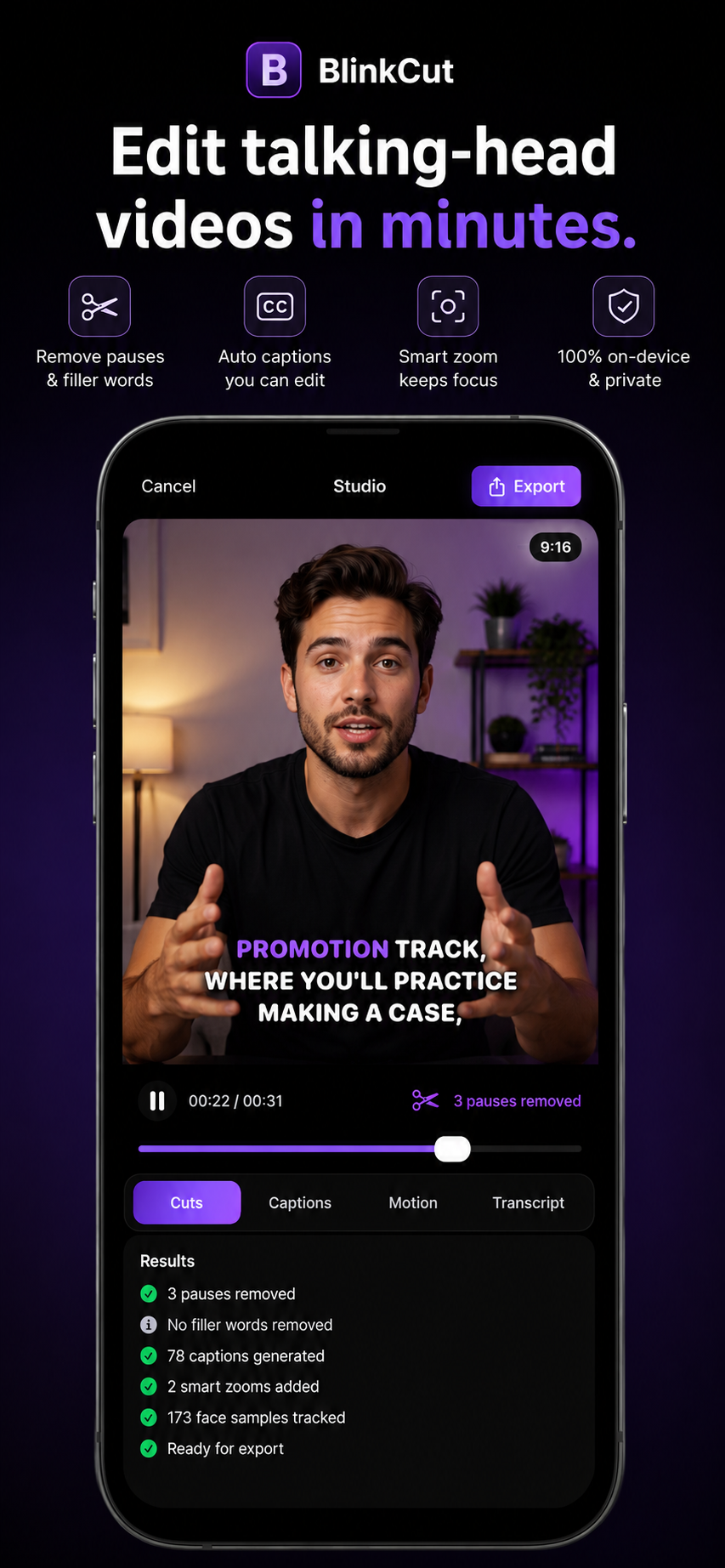
BlinkCut app preview
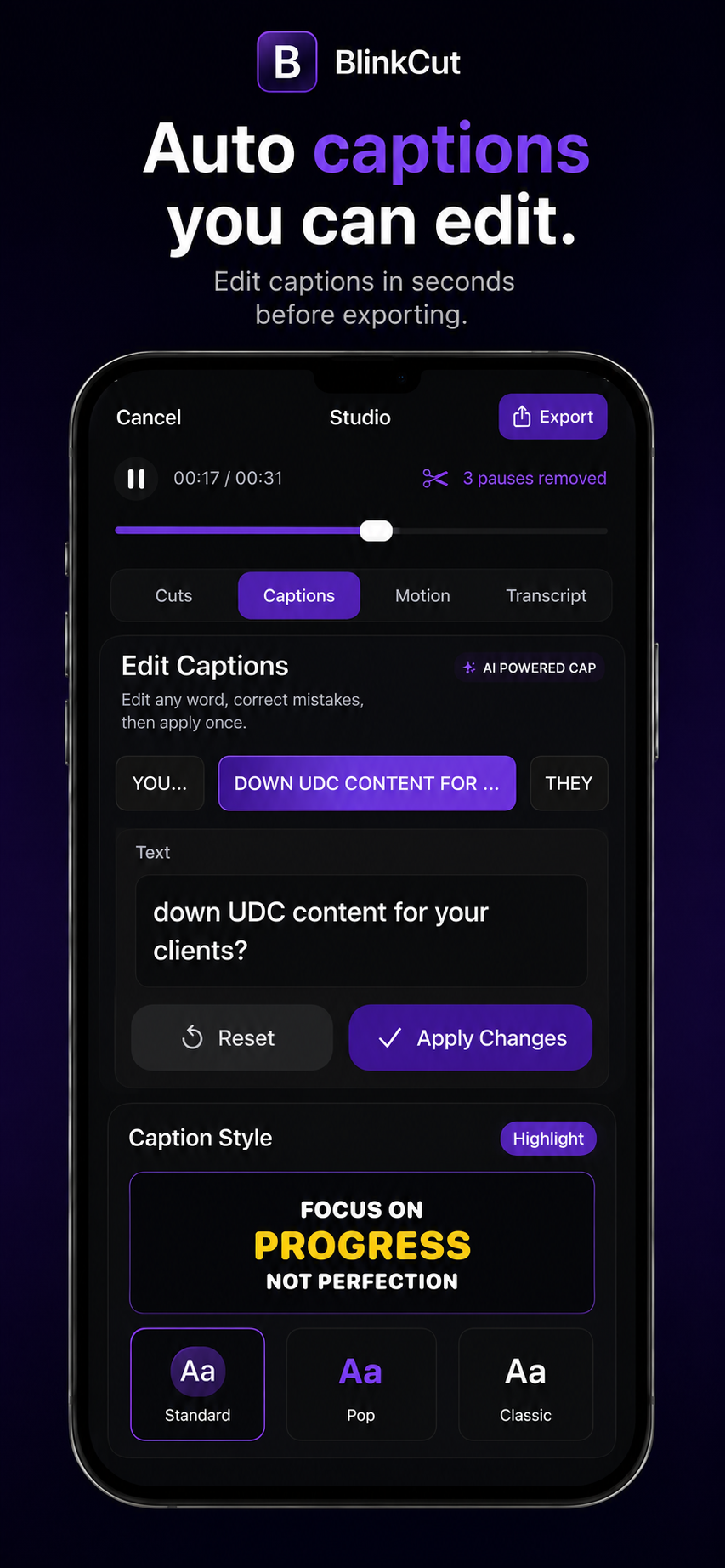
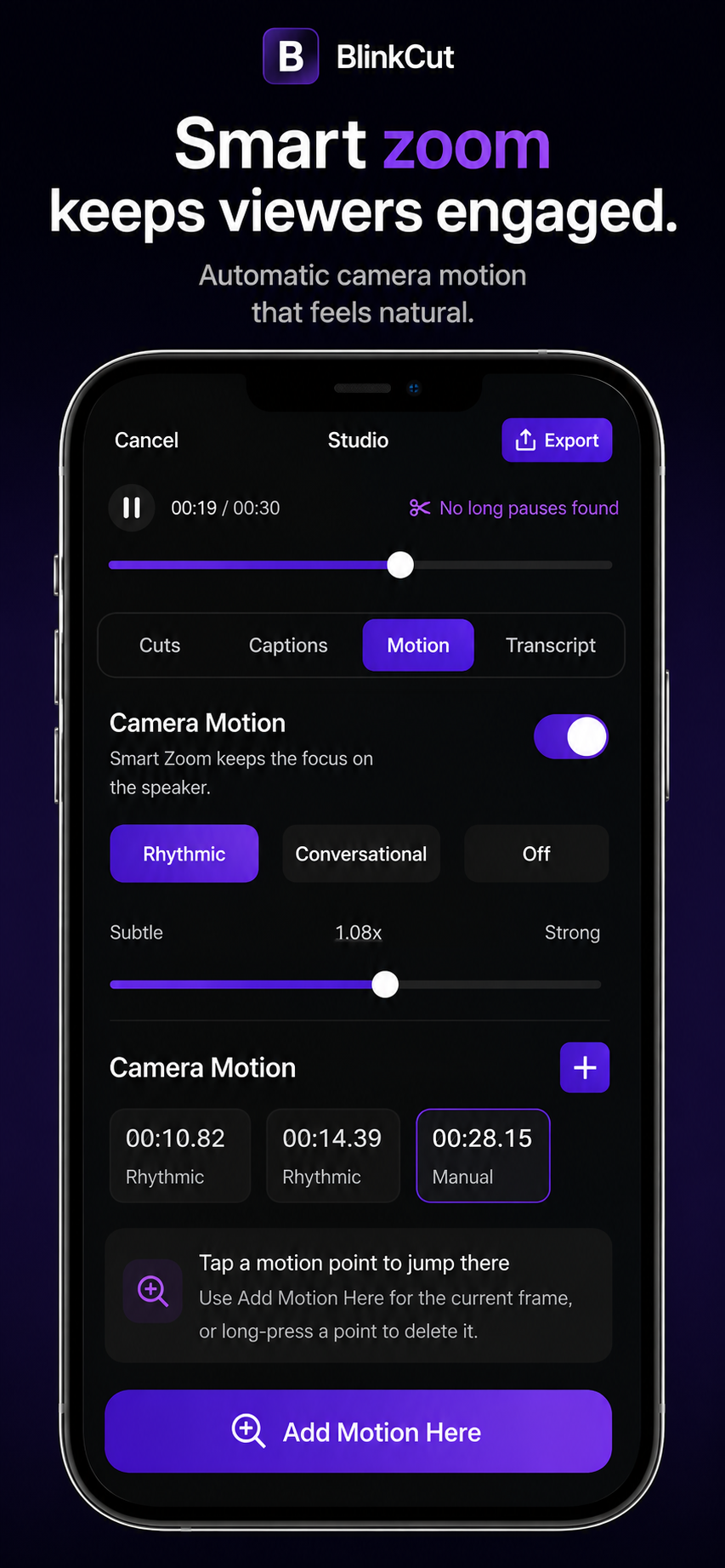
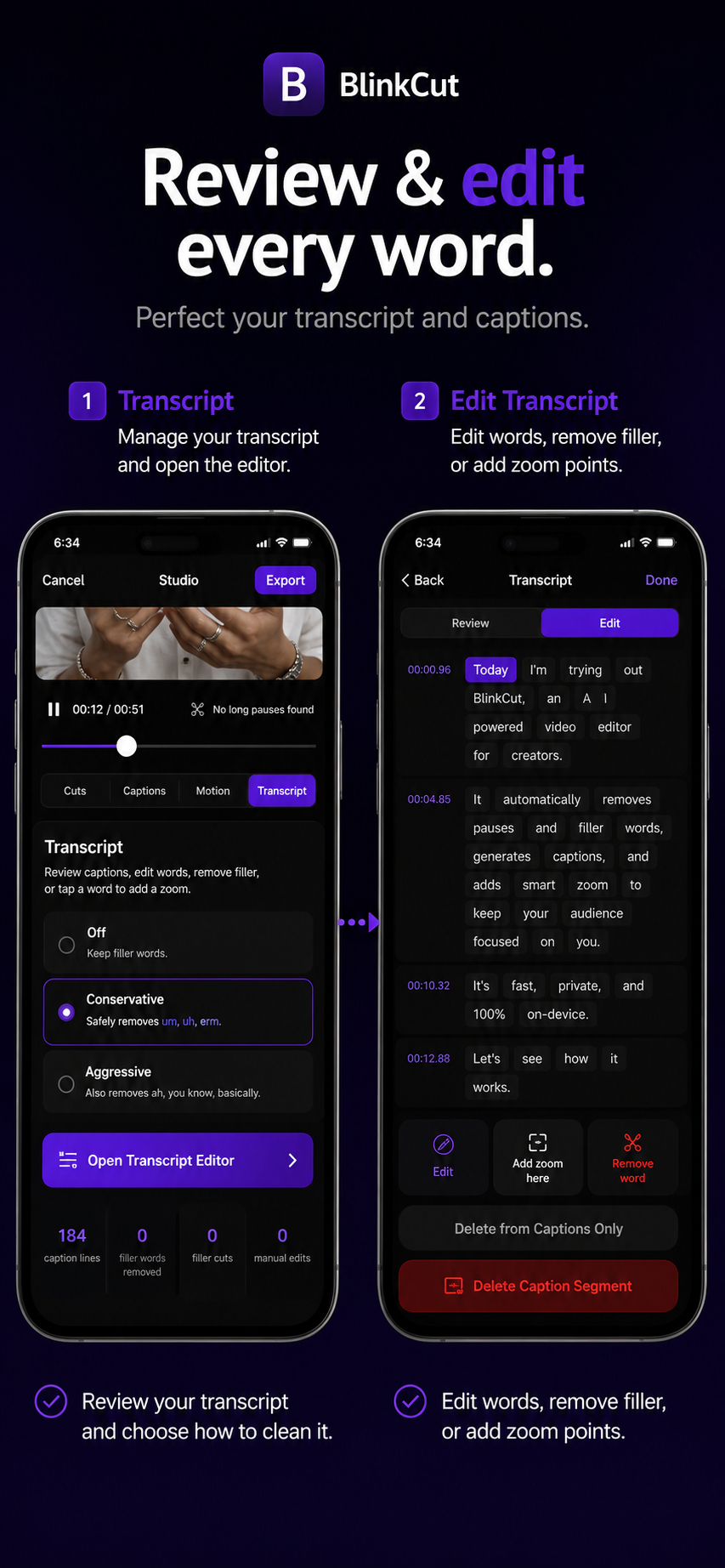
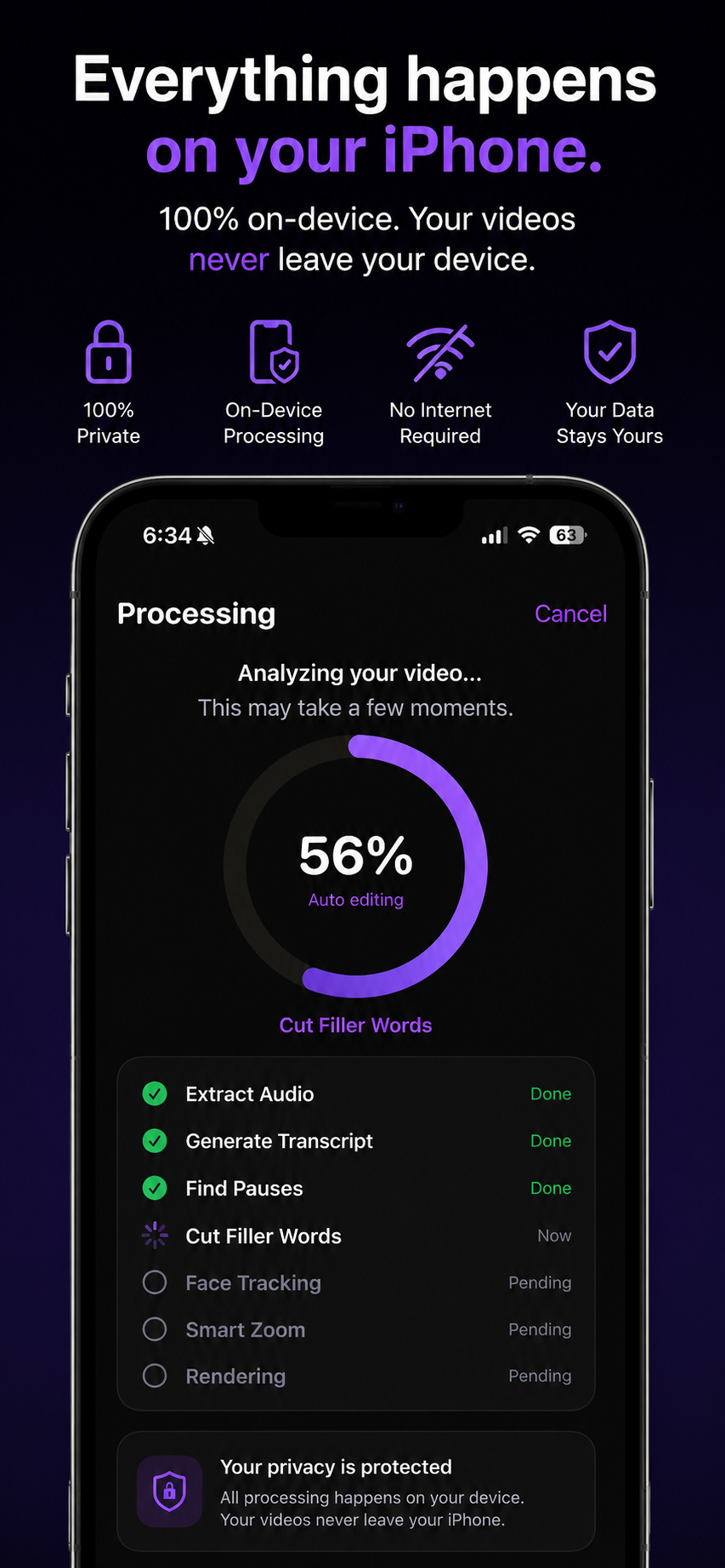
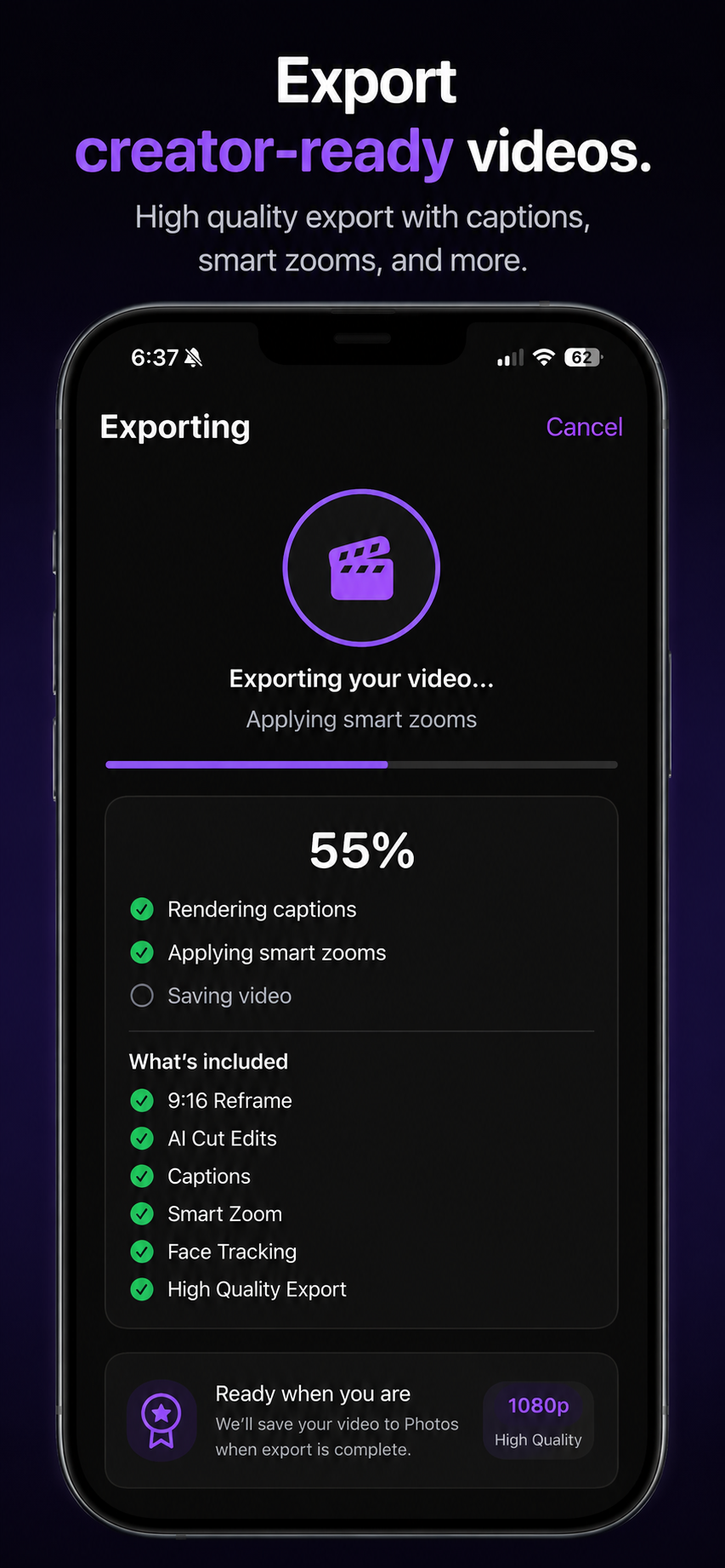
BlinkCut app overview screen BlinkCut automatic captions screen BlinkCut smart zoom screen BlinkCut transcript editing screen BlinkCut private processing screen BlinkCut export screen

Spend less time editing. More time publishing.

BlinkCut automatically removes pauses, generates captions, keeps the speaker in frame, and exports creator-ready videos.

Jump CutsRemove awkward pauses automatically.
CaptionsGenerate captions you can review and edit before exporting.
Smart ZoomKeep the speaker centered with natural camera motion.
TranscriptEdit your captions faster by working directly with the transcript.
Private ProcessingYour videos stay on your iPhone.
ExportExport ready for TikTok, Reels, and Shorts.

Designed for talking-head creators.

BlinkCut is built for people who record ideas, lessons, pitches, demos, and short-form video on their phone.

TikTok creators Instagram Reels YouTube Shorts UGC creators Coaches Founders Educators

BlinkCut Links

Product information, app-specific policies, and support for BlinkCut live here on Rullit.

DownloadOpen BlinkCut on the App Store. Privacy PolicyHow BlinkCut handles video, audio, captions, and support messages. Terms of UseThe terms for using BlinkCut and this official product page. SupportContact supportblinkcut@rullit.com for help with BlinkCut.